How Dishionary Works
Dishionary translates foreign restaurant menus using AI. Here's how to use it:
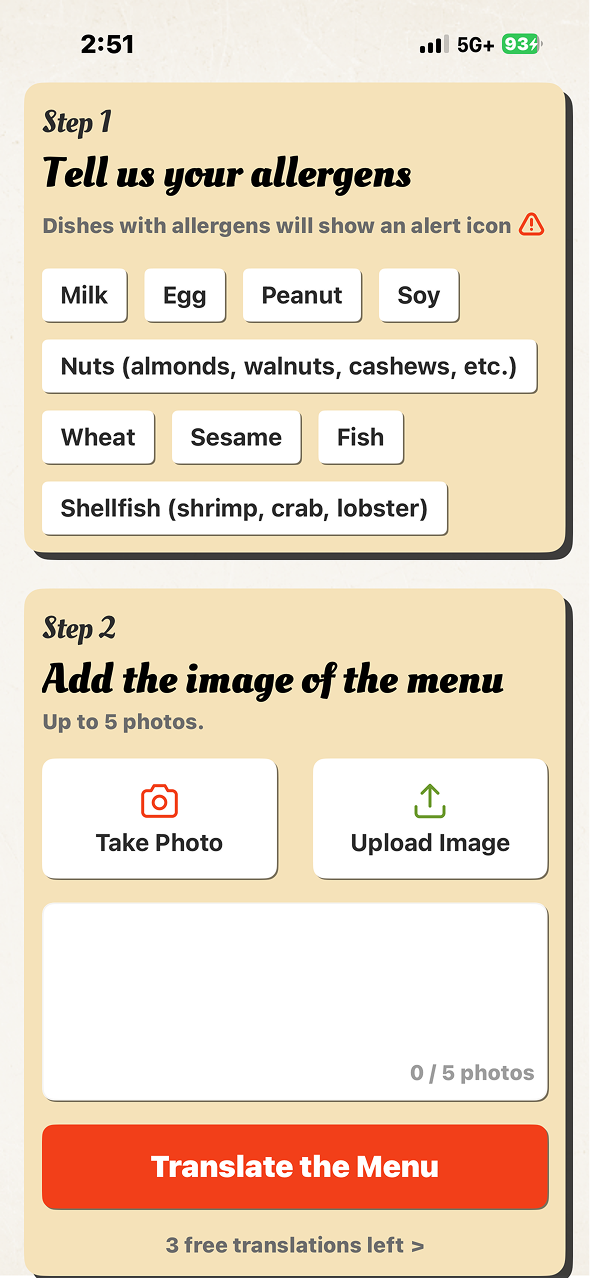
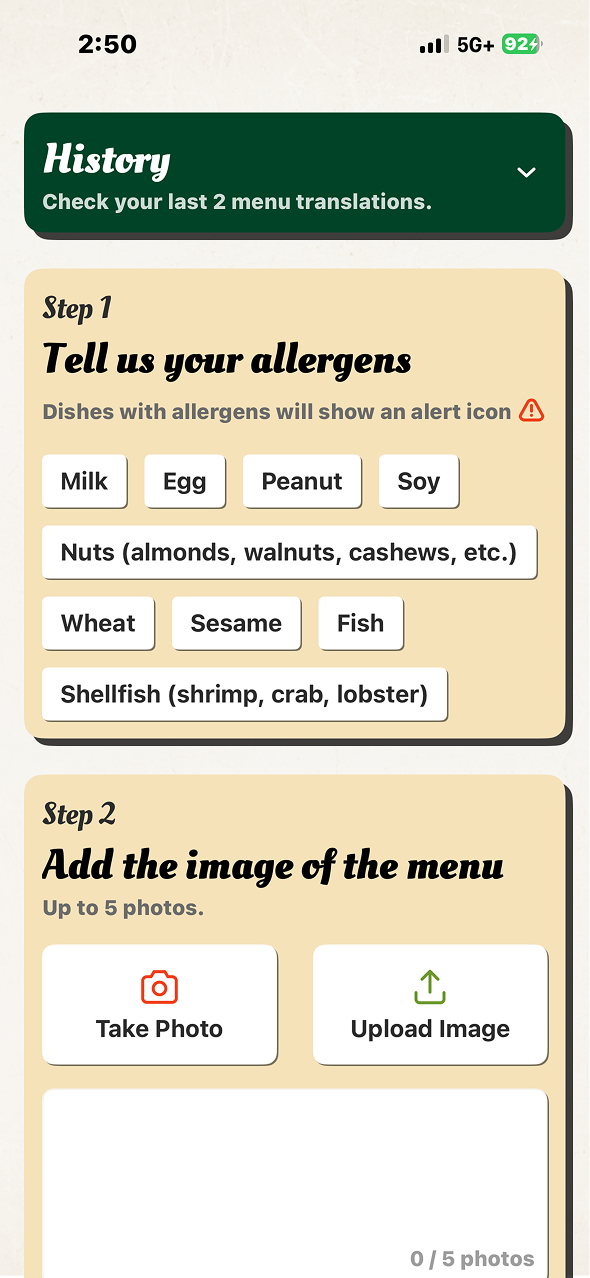
Select your allergens — Tell us about any food allergies so we can flag them in translations.
Take or upload menu photos — Use your camera or upload up to 5 photos of the menu.
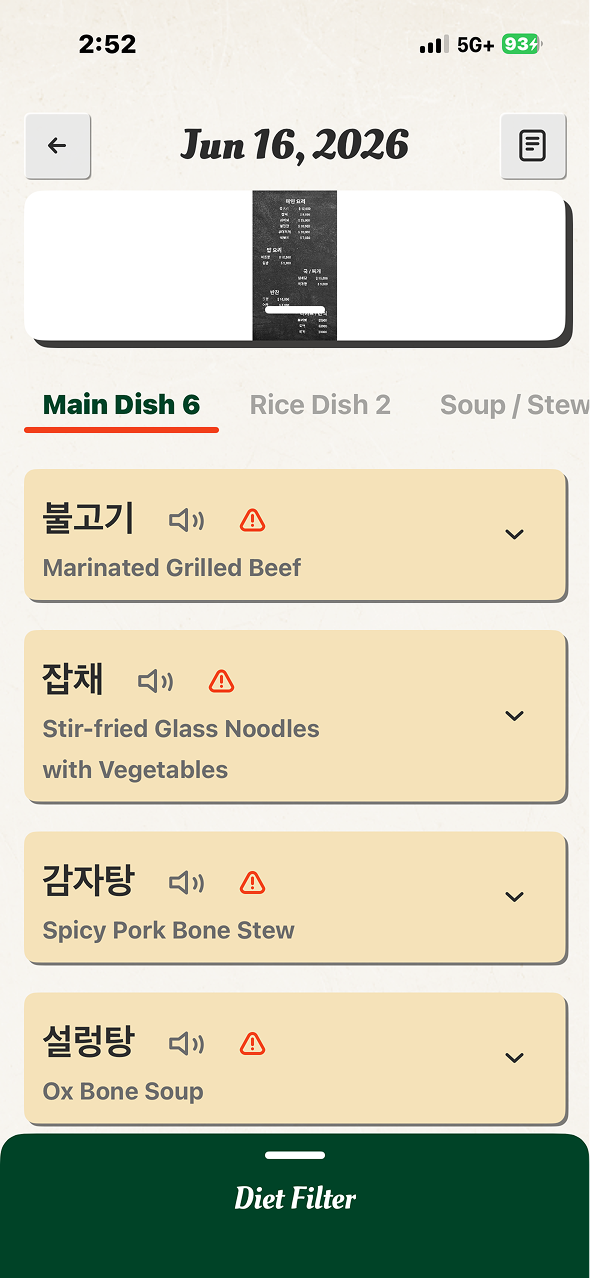
Tap "Translate the Menu" — Our AI reads every dish and provides English translations, descriptions, ingredients, allergen alerts, and cultural stories.
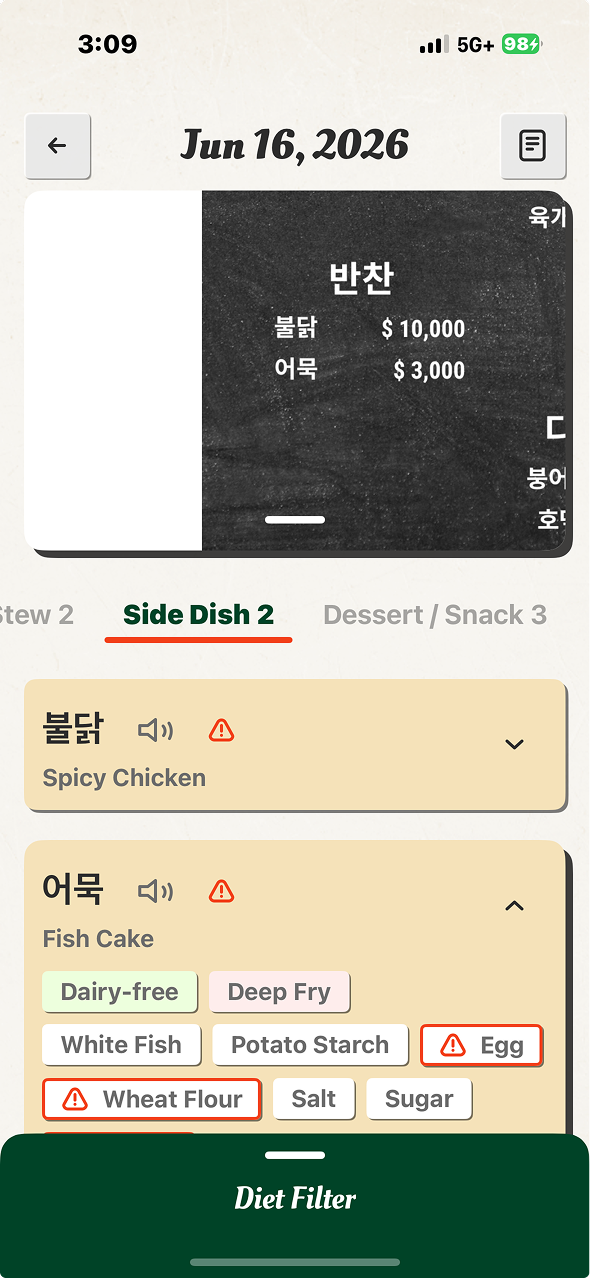
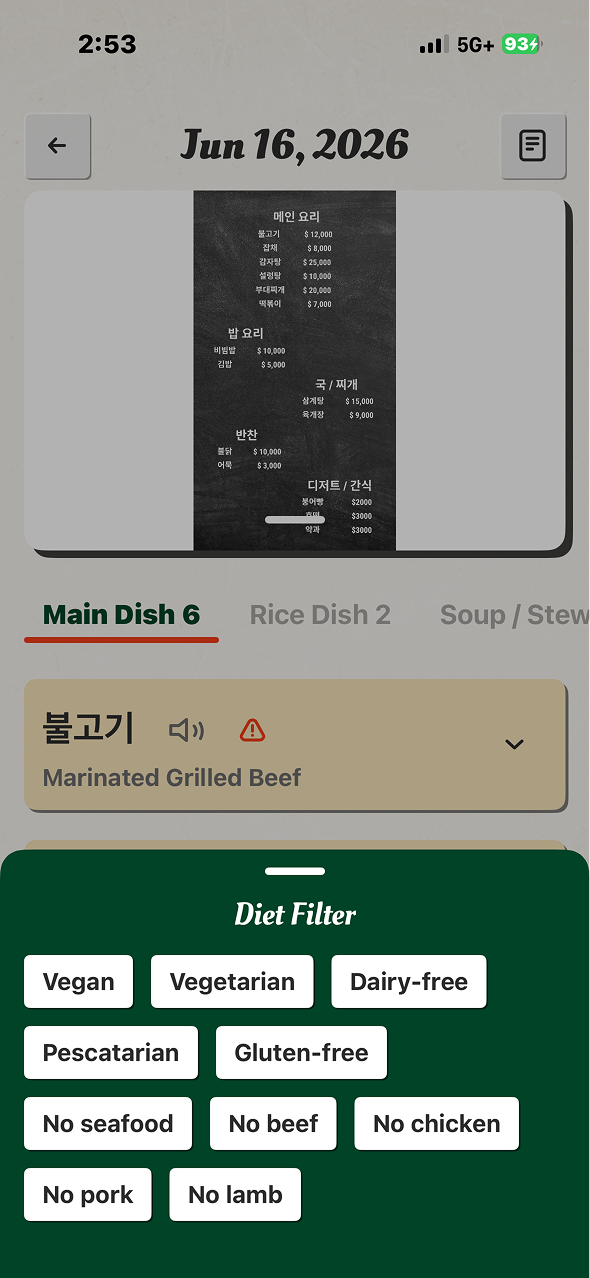
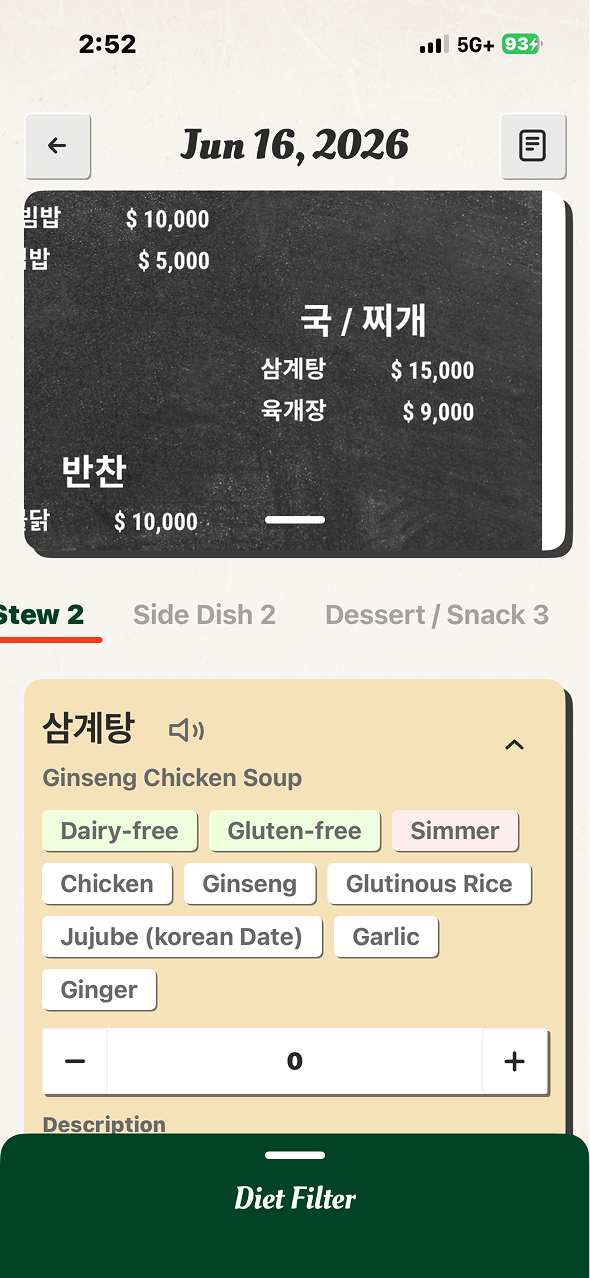
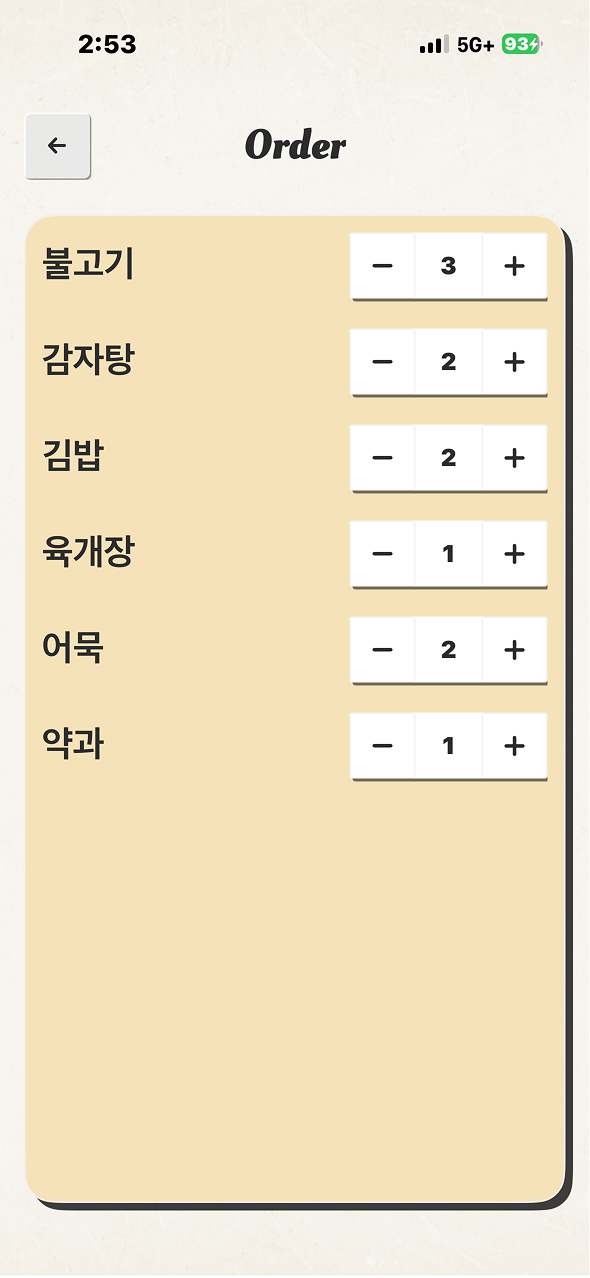
Explore your results — Tap any dish card to see full details. Use the diet filter to narrow results. Build your order list.
Frequently Asked Questions
What languages does Dishionary support?
Dishionary can translate menus in most languages, including Chinese, Japanese, Korean, Thai, Vietnamese, French, Spanish, Italian, German, and many more. The AI automatically detects the language of your menu.
How accurate are the translations?
Dishionary uses Google Gemini AI to provide high-quality translations. While we strive for accuracy, AI-generated translations may not be 100% perfect. If you have food allergies, always confirm with restaurant staff.
How do translation credits work?
You get 3 free translations when you install the app. Each "Translate the Menu" action uses 1 credit, regardless of how many photos or dishes are on the menu. Additional credits can be purchased in packs of 10 ($1.99) or 30 ($4.99). Purchased credits never expire.
Can I use Dishionary offline?
No, Dishionary requires an internet connection to translate menus. The AI processing happens on our servers. However, your past scan history is saved locally on your device and can be viewed offline.
How do I restore my purchased credits on a new device?
Go to the Paywall screen and tap "Bought translations before? Click here for restore." This will restore any previously purchased credits linked to your Apple ID.
Is my data private?
Yes. Dishionary does not require an account. Menu photos are processed and immediately discarded — we never store them. Allergen preferences and scan history are stored only on your device. See our Privacy Policy for full details.
Troubleshooting
The translation is taking too long
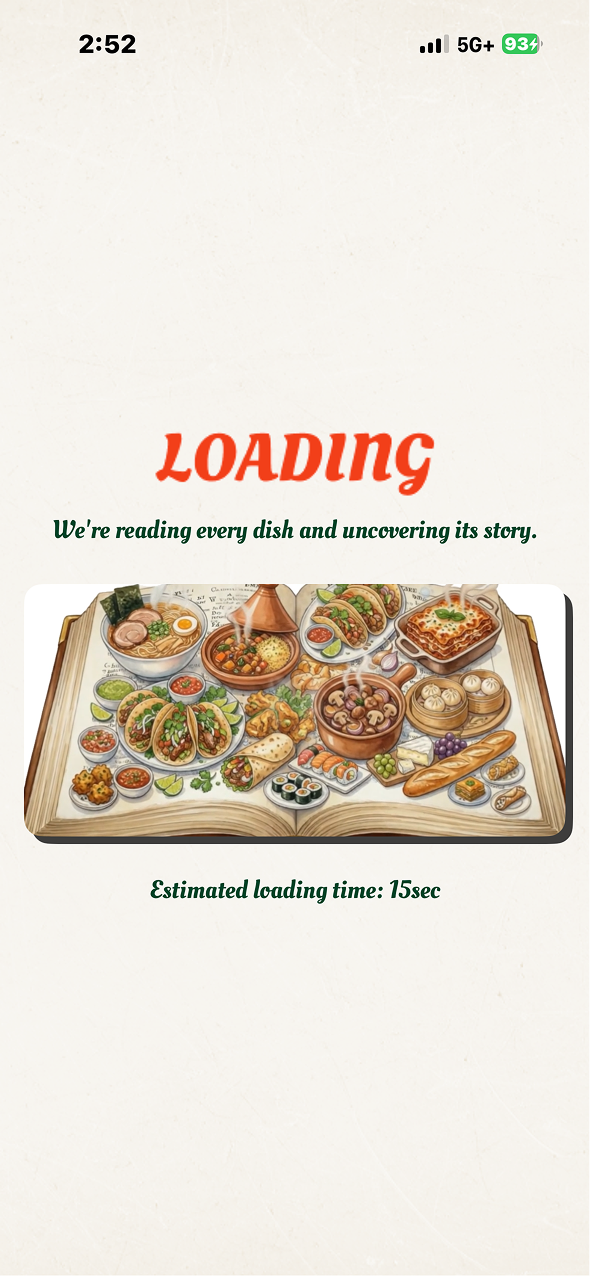
Translation time depends on the number of photos and dishes. Typically it takes 15-30 seconds. Make sure you have a stable internet connection. If it fails, try again with fewer photos or a clearer image.
"No Dishes Found" error
This means the AI couldn't detect any menu items in your photo. Try taking a clearer, well-lit photo of the menu text. Avoid blurry images, extreme angles, or photos with heavy shadows.
"Too Many Requests" error
You've hit the rate limit. Wait a moment and try again. This limit exists to prevent abuse and ensure the service is available for everyone.
My purchased credits didn't appear
Try tapping "Click here for restore" on the Paywall screen. If the issue persists, make sure your Apple ID has a valid payment method and that the purchase was completed. You can also check your purchase history in Settings > Apple ID > Subscriptions & Purchases.
The allergen alerts seem incorrect
Allergen information is AI-generated and may not be 100% accurate. Always confirm allergens directly with restaurant staff before ordering, especially if you have severe allergies.
Tips for Best Results
- Good lighting — Take photos in well-lit conditions for the clearest text recognition.
- Flat angle — Hold your phone parallel to the menu to avoid distortion.
- Full page — Capture the entire menu page so no dishes are cut off.
- Multiple pages — Use up to 5 photos to capture large menus across multiple pages.
- Set allergens first — Select your allergens before translating so the AI can flag matching ingredients.
Refunds
All purchases are processed by Apple. If you'd like to request a refund, please visit Apple's refund page:
Contact Us
Can't find what you're looking for? We'd love to hear from you.
Developer: Chia Le Luan
Email: silas0316@gmail.com
We typically respond within 48 hours.